Virtual Control
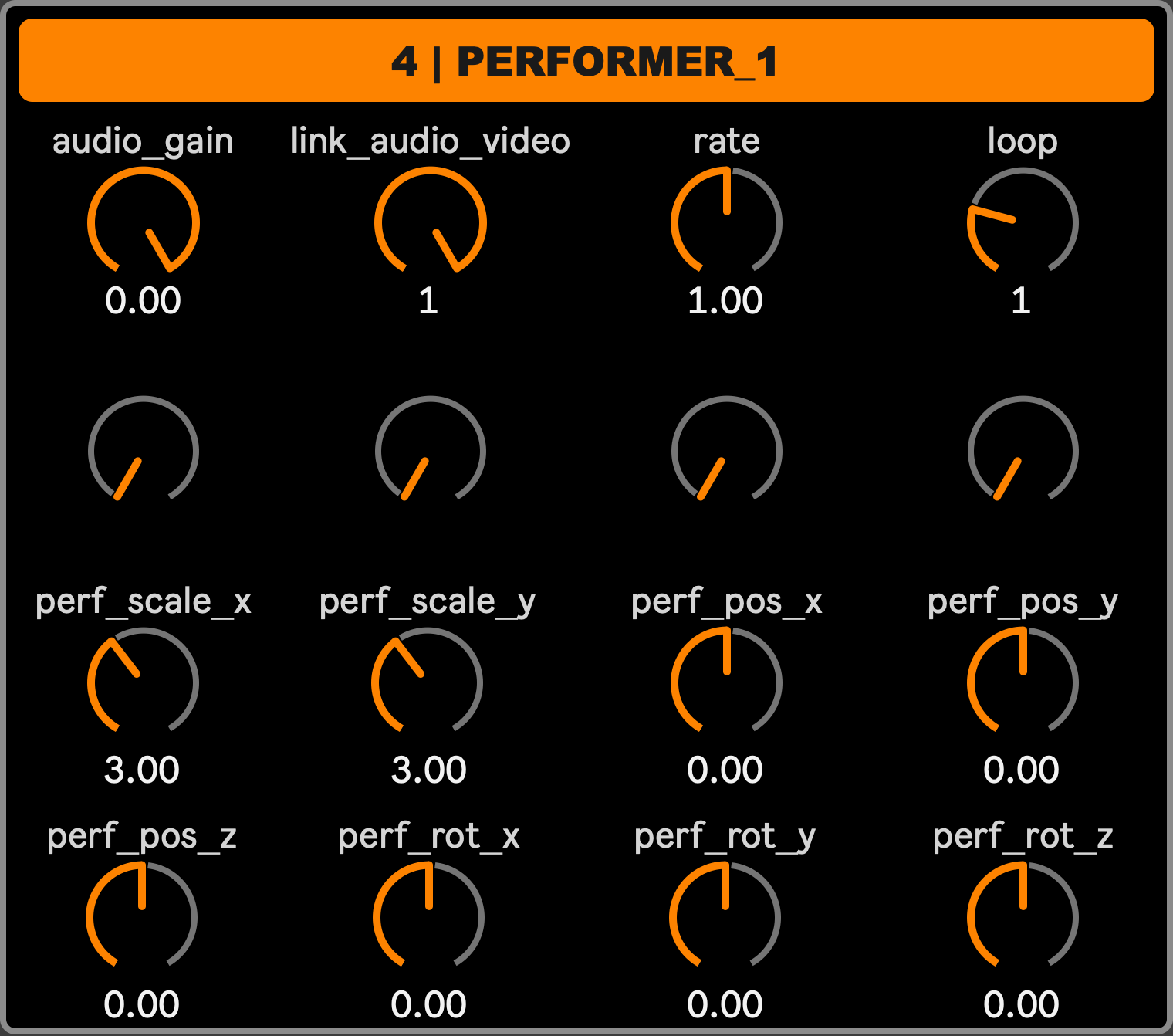
Visible in the Mixer and Stage layouts, the Virtual Control module helps to visualize the name and value of the 16 macros of the currently selected Mixer track, whose number and name are shown at the top. These are the same 16 macros defined in that track’s Macro assign preset, and the same ones reachable from a mapped MIDI controller (see MIDI Control) - Virtual Control lets you see and tweak them with the mouse instead. A double-click resets the macro to its initial value.
The displayed parameter names are sometimes not enough to remember what they actually control. If you hover the related knob with the mouse, a popup will appear, showing the module (or module sub-part) the parameter is from, giving a better hint about its function. Moreover, it’s always possible to open the Macro assignment window for that track and check the full parameter address and its parent module’s name.