Blackbox
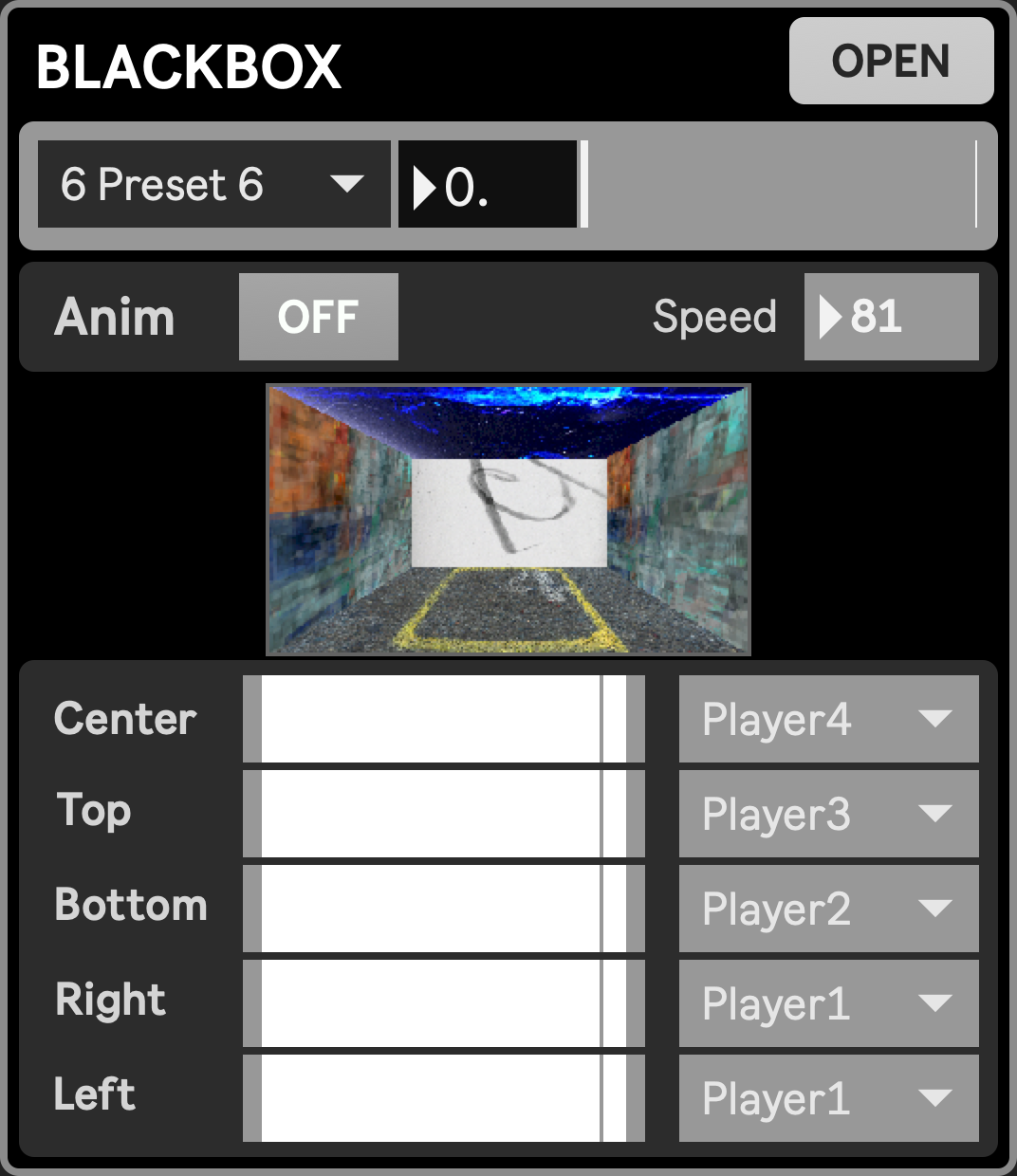

The Blackbox can be thought of as a very minimalistic, cubic version of the Stage, creating its own theatrical space that can be composited with other layers. It is a unique module generating a boxy space, composed of 5 sides (center, top, bottom, right, left), the sixth one being metaphorically the audience’s screen, closing the box. Each side can be individually faded, and can each display a texture coming from any of the source modules. The final output can be routed The Blackbox being a source module, its output must be routed to a destination module in order to be visible on screen.
Contrarily to other source modules, the Blackbox requires other source modules routed to it in order to produce visuals. This routing is set in the module itself, and is stored in the Blackbox’s own presets, alongside its other parameters. Blackbox presets can be driven independently from other presets, as well as in tandem with them thanks to the Presets grid.
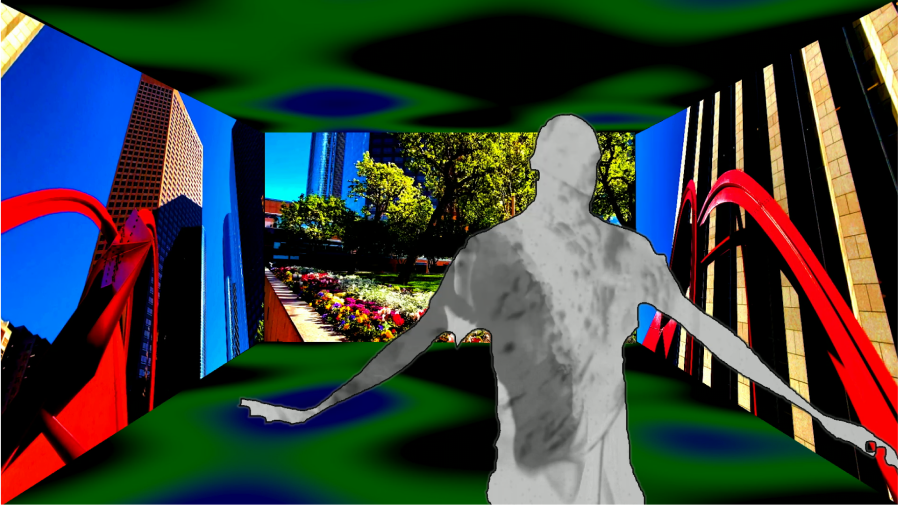
Below is an example of the blackbox layer, where we can clearly see the five sides, composited with a top layer showing the shape of a performer from the Stage.
How to use
Section titled “How to use”- Setting up: We assume you know how to properly set up your project to
- Enable the Blackbox and source modules you will use with it
- Get the blackbox routed to a dedicated destination (typically a layer)
- Route sources: In the Blackbox module, now visible from the Mixer, you have two ways to select which source to display on which side
- From the module directly, through dropdown menus
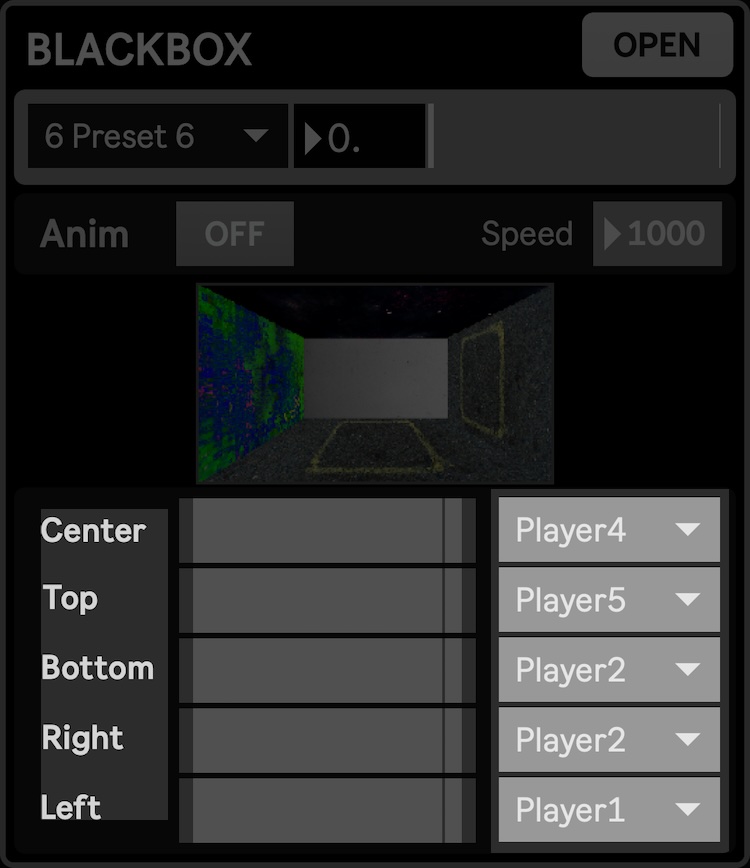
- From the modules external window (click
OPENto reveal it), through a routing matrix
- From the module directly, through dropdown menus
- Fade: You can change the opacity of each side through the horizontal sliders available in both views
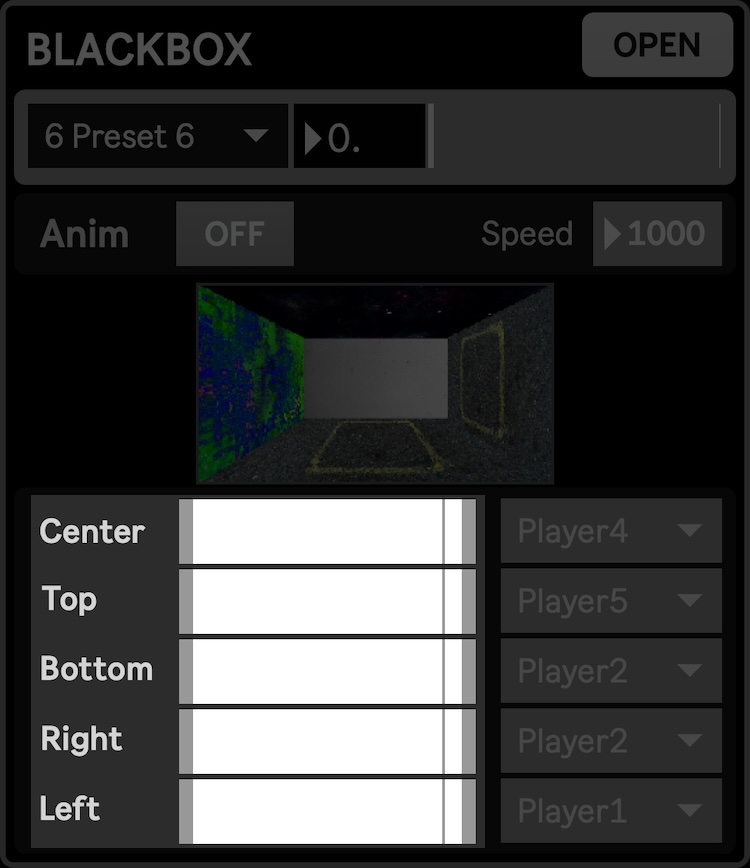
- Animate: The animate feature produces jiggle movement, with independant amount for each side, driven by a global speed parameter.
- You can enable the animation and set its speed from the modules main view:
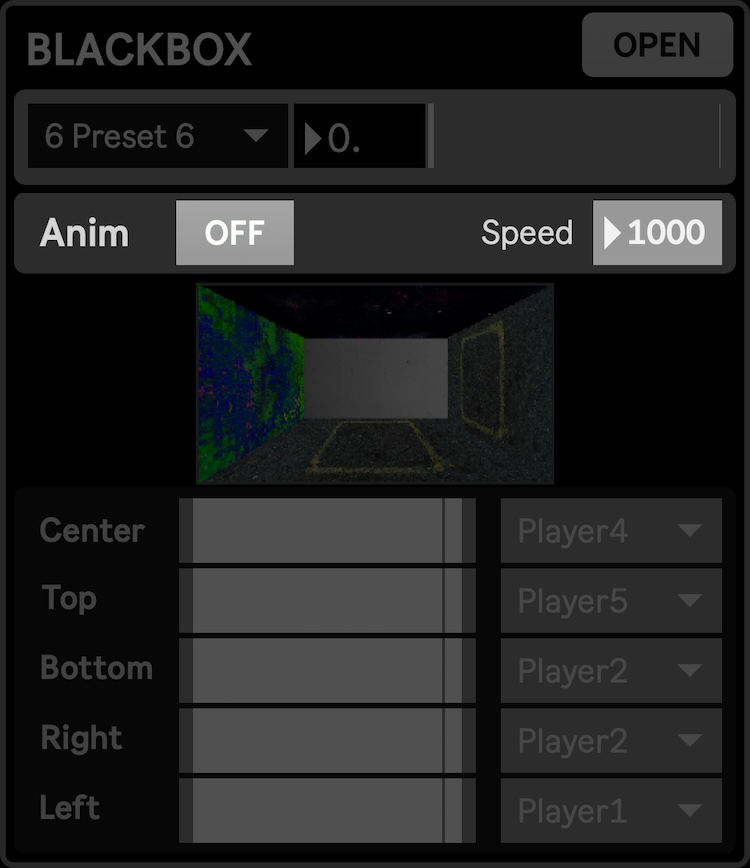
- For per-side animation amount, check the modules window:

- You can enable the animation and set its speed from the modules main view:
- Presets: You can save the input routing, faders and animation into the dedicated Blackbox presets. The preset controls is available from the modules window, but you can recall existing presets and set the interpolation time from the main view:
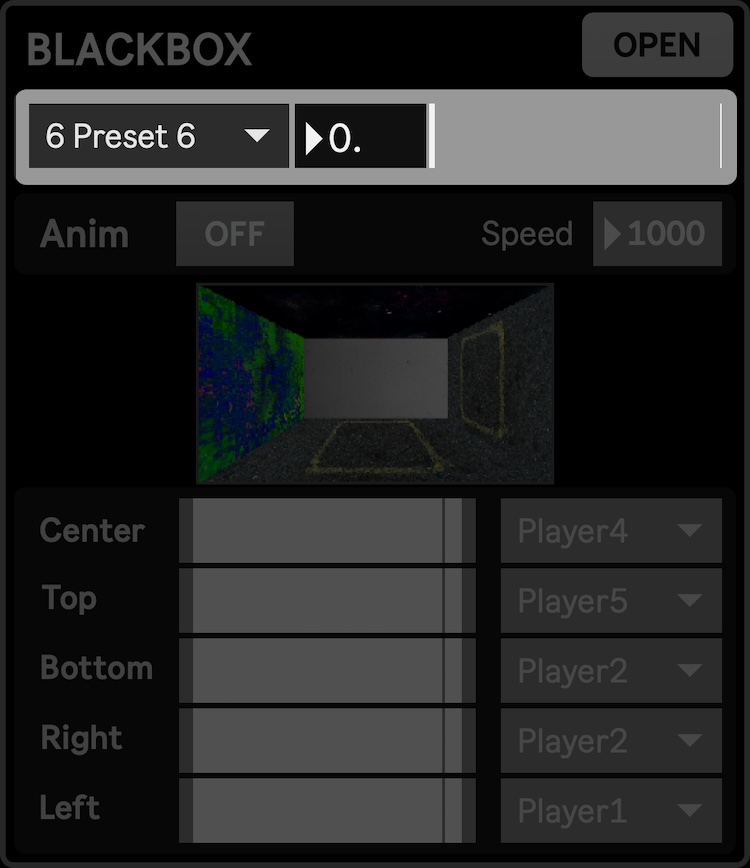
Here is an example of interpolation across multiple presets changing the animation parameters.
Parameters and controls
Section titled “Parameters and controls”- (center|left|right|top|bottom)_fader: the gain for each side, allowing to hide/show them individually
- bb_matrix: stores the state of the source matrix, which can only be set through the module window.
- animation_enable: enables/disables the random animation of sides, according to animation_speed and the amount of movement of each face set by transform_(center|left|right|top|bottom)
- animation_speed: speed of the randomization animation
- anim_(center|left|right|top|bottom): amount of random movement for the center/left/right/top/bottom side